Good work.
In focus.
Your crew has work to do.
Give everyone a clearer view of the job.
Bring site photos, project details, and your people together. From the first walkthrough to the final handoff.
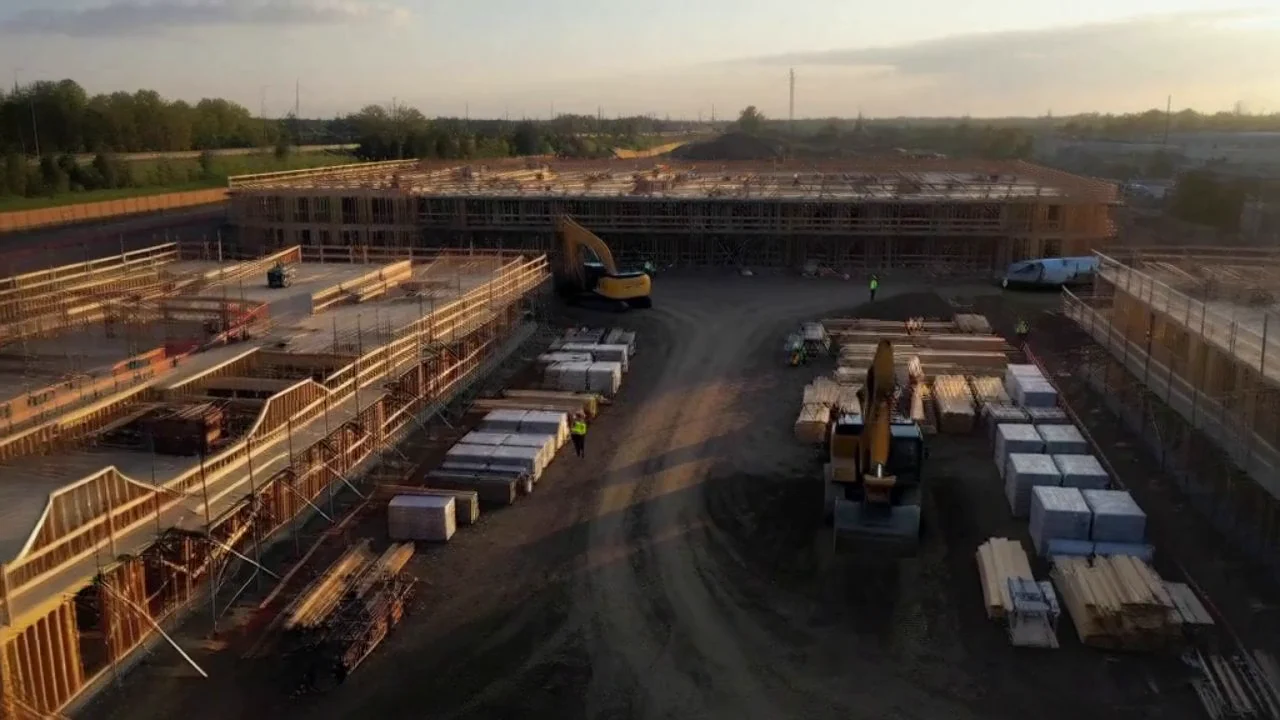
A clearer way forward.
WHO GET IT DONE.General contractorsRoofers & exterior crewsHVAC & mechanicalCommercial construction
Great on site.
Organized everywhere.
Job photos buried in messages. Details lost between the site and the office. Give the people doing the work one clear place to find the full picture.
Every detail. In the picture.
Keep project photos, notes, and documents together. Give the office a clearer view of the site and your crew a place to find the context behind the work.
- Project photo galleries and annotations
- Documents organized with the job
- A clearer record from start to finish
The job, from every angle.
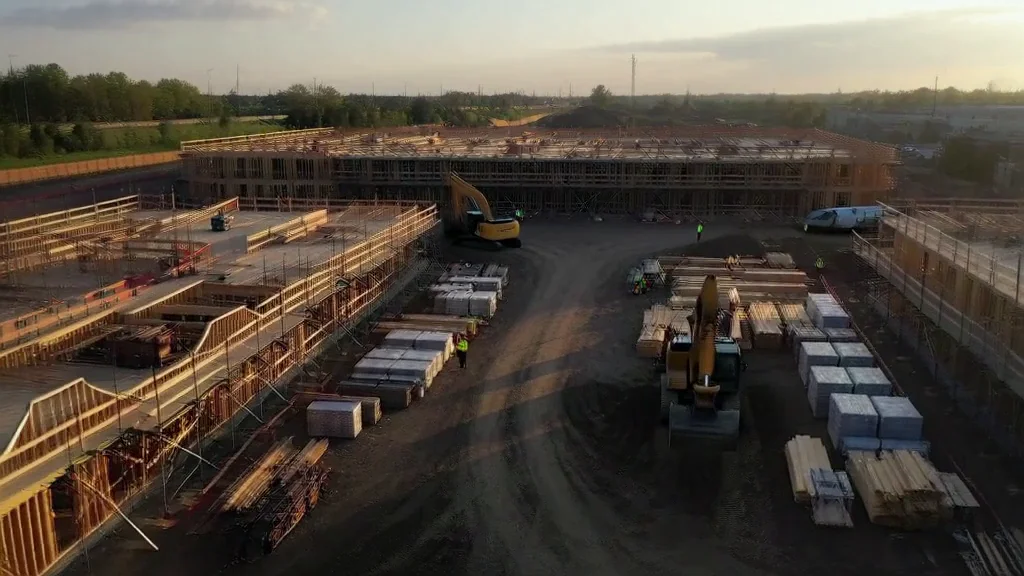 Site overview
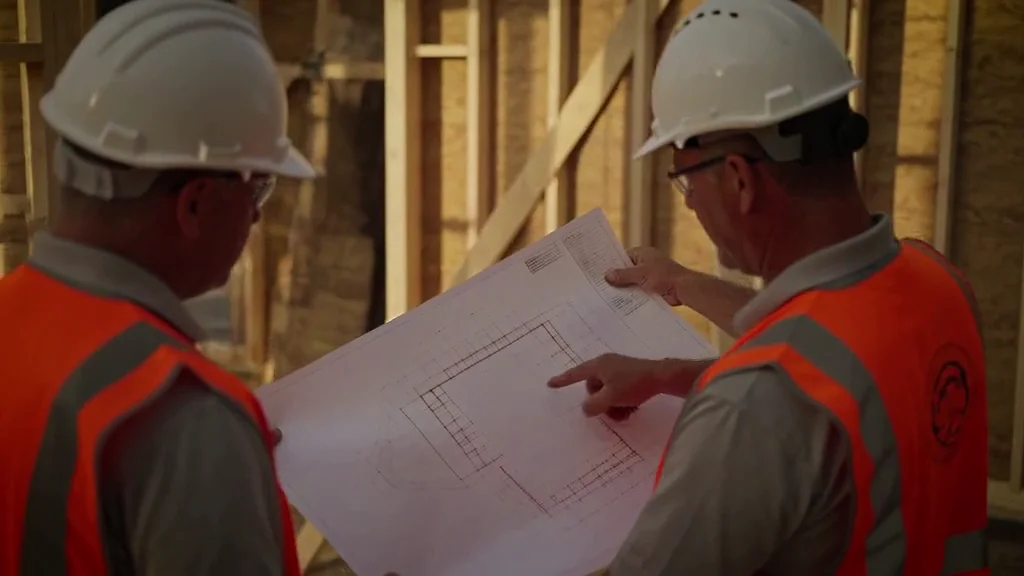 Plan review
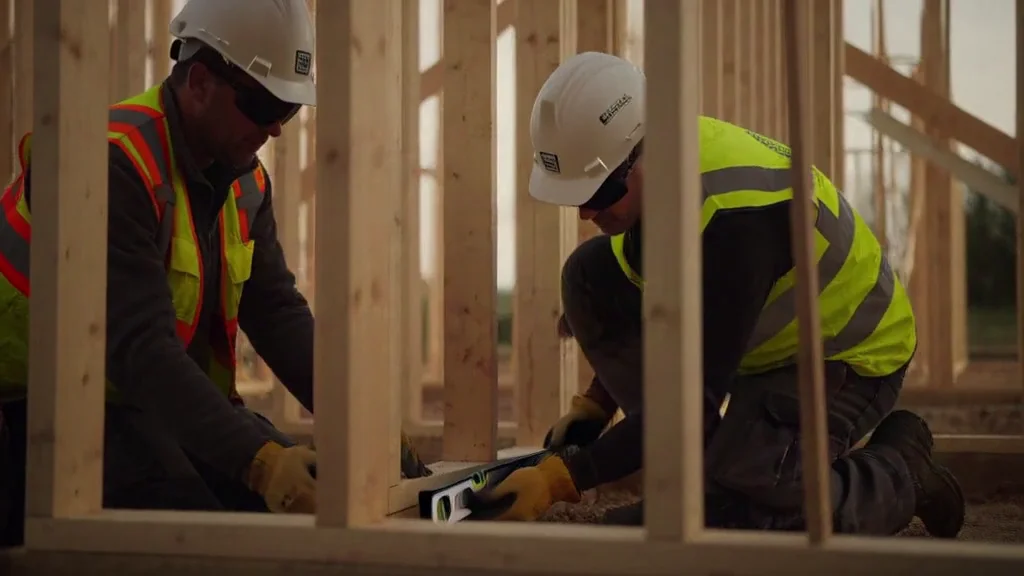 Framing detail
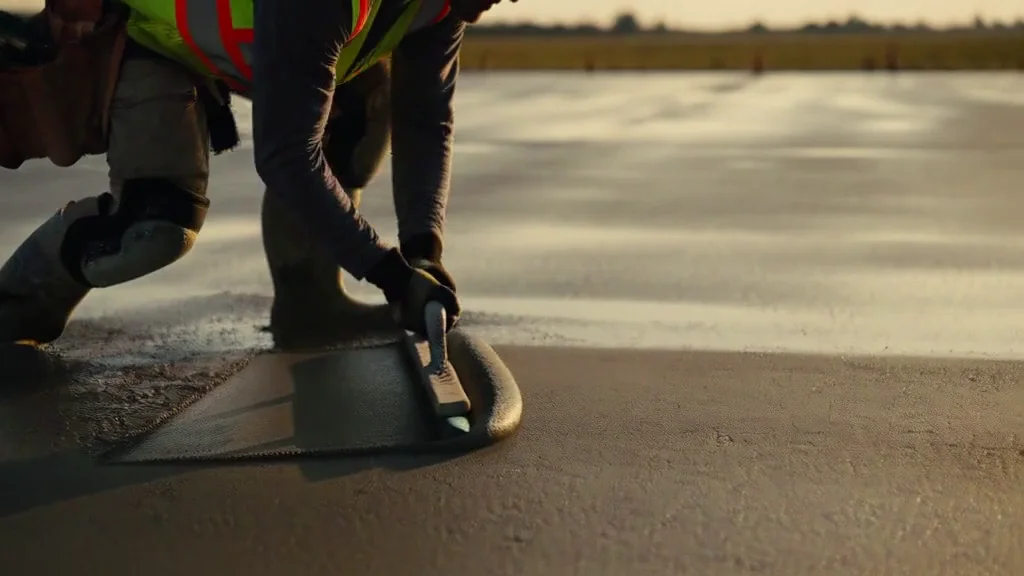 Concrete finish
A lot less chasing.
Start with
shared understanding.
Keep site photos and project details together, so the next conversation starts with the right context.
Different roles.
One direction.
Give your people project access and keep tasks, checklists, and handoffs visible.
Keep your team
moving forward.
Bring the field and office into the same project view, from the first walkthrough to the final detail.
Set it up.
Make it yours. Get going.
Set up your company, add a project, and give your team one clear place to work.
- 01
Start with your project.
Create a project and give your photos, documents, and tasks a place to belong.
- 02
Bring your people in.
Add your company details, invite the crew, and assign access to the right projects.
- 03
Bring the work together.
Organize photos, follow your checklists, and keep the next handoff moving.
Made to fit
the work you do.
Different trades. The same need to keep the work, the details, and the people connected.
Find your team’s starting pointGeneral contracting
Keep the office and your crew aligned.
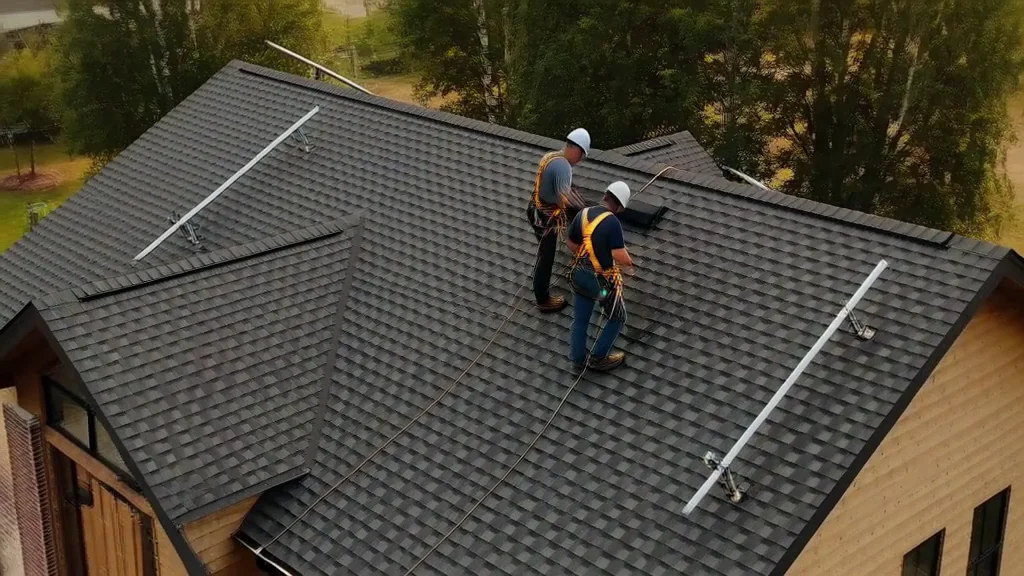
Roofing & exteriors
Put the detail behind the job in view.
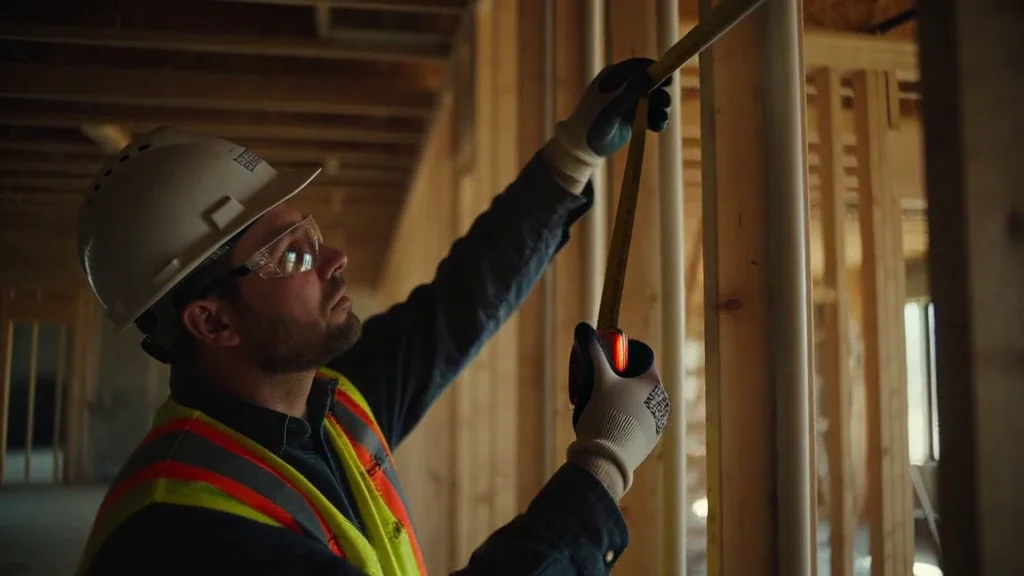
HVAC & plumbing
Give service teams the full picture.
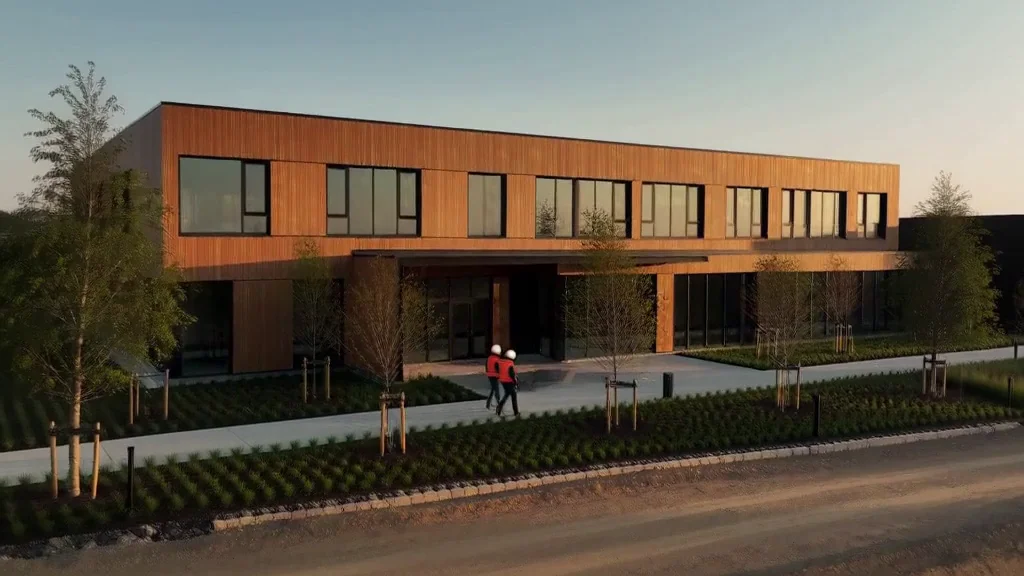
Commercial builds
Bring every handoff into focus.
One project workspace for your trade. Create your account and shape it around the way your team works.
From the site to the office.
Keep everyone in focus.
Keep projects organized, give people the access they need, and make the latest job details easier to find. A shared view helps the next conversation start with the right context.
See how to get startedProject context in one place
Photos, documents, checklists, and the next step.
The right people. The right access.
Invite your team and set roles that match their work.
A foundation you control
Company membership, project access, and deliberate sharing controls.
Who is FieldLens built for?
Contractors, field-service teams, and the office staff who support them. General contracting, roofing, HVAC, plumbing, and commercial construction teams can use the same project-centered workspace.
What can my team organize?
Projects, photos, annotations, documents, tasks, checklists, customers, and team access. The shared project context helps people find the details behind the work without relying on scattered messages.
How do I invite my crew?
Create your company account, finish the company setup, and invite your team from the workspace. Membership roles and project assignments control access. Invitation email delivery depends on your configured email service.
Can customers see every project?
No. Workspace membership, project access, and public sharing are separate. Only publish a share link when you intend to share that content, and review its access and expiry settings.
Does signing up send messages or connect paid services?
Creating a workspace does not connect external email, SMS, payment, or AI providers automatically. Features that depend on a provider require configuration; FieldLens shows unavailable or pending states rather than claiming an action succeeded.